Software updates have always fascinated me because they represent the delicate balance between innovation and stability that defines our digital world. Every time we click "update now," we're participating in an intricate dance of trust between users and developers, where the promise of improvement must be weighed against the risk of disruption. This tension becomes particularly pronounced when examining how different update mechanisms serve various user needs and organizational requirements.
A service pack represents a comprehensive collection of updates, fixes, and enhancements bundled together and released as a single, substantial update package. Unlike individual patches or hotfixes, service packs offer a curated approach to software maintenance that addresses multiple issues simultaneously while providing users with a more predictable update experience. This approach promises to explore both the technical mechanics and strategic implications of this update methodology from multiple angles.
Through this exploration, you'll discover how service packs function as critical infrastructure in software maintenance, understand their advantages and limitations compared to continuous update models, and gain insights into making informed decisions about update strategies for both personal and professional environments. We'll examine real-world applications, analyze the economic implications, and provide practical guidance for navigating the complex landscape of software maintenance.
Understanding Service Pack Architecture
Service packs operate on a fundamentally different philosophy than incremental updates. They represent milestone releases that accumulate months or even years of development work into comprehensive packages. This approach requires sophisticated packaging systems that can handle complex dependency chains and ensure compatibility across diverse system configurations.
The internal structure of a service pack typically includes multiple layers of components. Base system updates form the foundation, addressing core functionality and security vulnerabilities that have been identified since the last major release. Application-specific enhancements occupy the middle layer, introducing new features and improving existing capabilities based on user feedback and market demands.
"The most successful software updates are those that users barely notice, seamlessly integrating improvements while maintaining familiar workflows and established user patterns."
Integration testing represents perhaps the most critical aspect of service pack development. Unlike individual patches that can be tested in isolation, service packs must undergo comprehensive compatibility testing across multiple system configurations. This process often involves automated testing suites that simulate thousands of different usage scenarios and hardware combinations.
Version control becomes exponentially more complex when dealing with service packs. Developers must maintain detailed documentation of every change, ensuring that rollback procedures remain viable even after extensive system modifications. This documentation serves not only technical purposes but also regulatory compliance requirements in many industries.
Benefits of Consolidated Update Delivery
The primary advantage of service packs lies in their ability to provide comprehensive solutions rather than piecemeal fixes. Organizations can plan deployment schedules around major service pack releases, allowing for proper testing and validation procedures that would be impractical with frequent individual updates.
Resource efficiency emerges as another significant benefit. Network administrators can download and deploy a single large package rather than managing dozens of smaller updates. This approach reduces bandwidth consumption during peak hours and minimizes the administrative overhead associated with update management.
Key Advantages Include:
• Simplified testing procedures – Single comprehensive test cycle instead of multiple validation rounds
• Reduced deployment complexity – One installation process covers multiple improvements
• Enhanced stability – Thorough integration testing reduces conflict potential
• Predictable maintenance windows – Organizations can plan around scheduled releases
• Comprehensive documentation – Complete change logs and compatibility information
• Rollback simplification – Single restore point for multiple changes
Quality assurance benefits significantly from the service pack approach. Extended testing periods allow development teams to identify and resolve integration issues that might not surface during individual patch testing. This thorough validation process typically results in more stable deployments and fewer post-installation complications.
User experience improvements often accompany service packs through interface refinements and workflow optimizations. These enhancements, while individually minor, collectively contribute to significant usability improvements that justify the more substantial download and installation requirements.
Challenges and Limitations
Service pack deployment introduces unique challenges that don't exist with incremental update strategies. The most significant concern involves the extended time periods between releases, during which critical security vulnerabilities may remain unpatched while waiting for the next service pack compilation.
Download and storage requirements present practical obstacles for many users and organizations. Service packs often measure in gigabytes rather than megabytes, creating bandwidth constraints and storage challenges, particularly for organizations with limited infrastructure capacity or users in areas with restricted internet connectivity.
"The greatest challenge in software maintenance isn't technical complexity—it's balancing the need for immediate fixes with the desire for comprehensive, well-tested solutions."
Compatibility testing becomes exponentially more complex with service packs. The interaction between multiple changes can create unexpected conflicts that wouldn't occur with individual updates. This complexity requires more extensive testing resources and longer validation periods before deployment.
Rollback procedures, while simplified in concept, become more challenging in practice. Removing a service pack often requires restoring the system to a significantly earlier state, potentially losing weeks or months of configuration changes and user data modifications that occurred after the service pack installation.
Comparison with Continuous Update Models
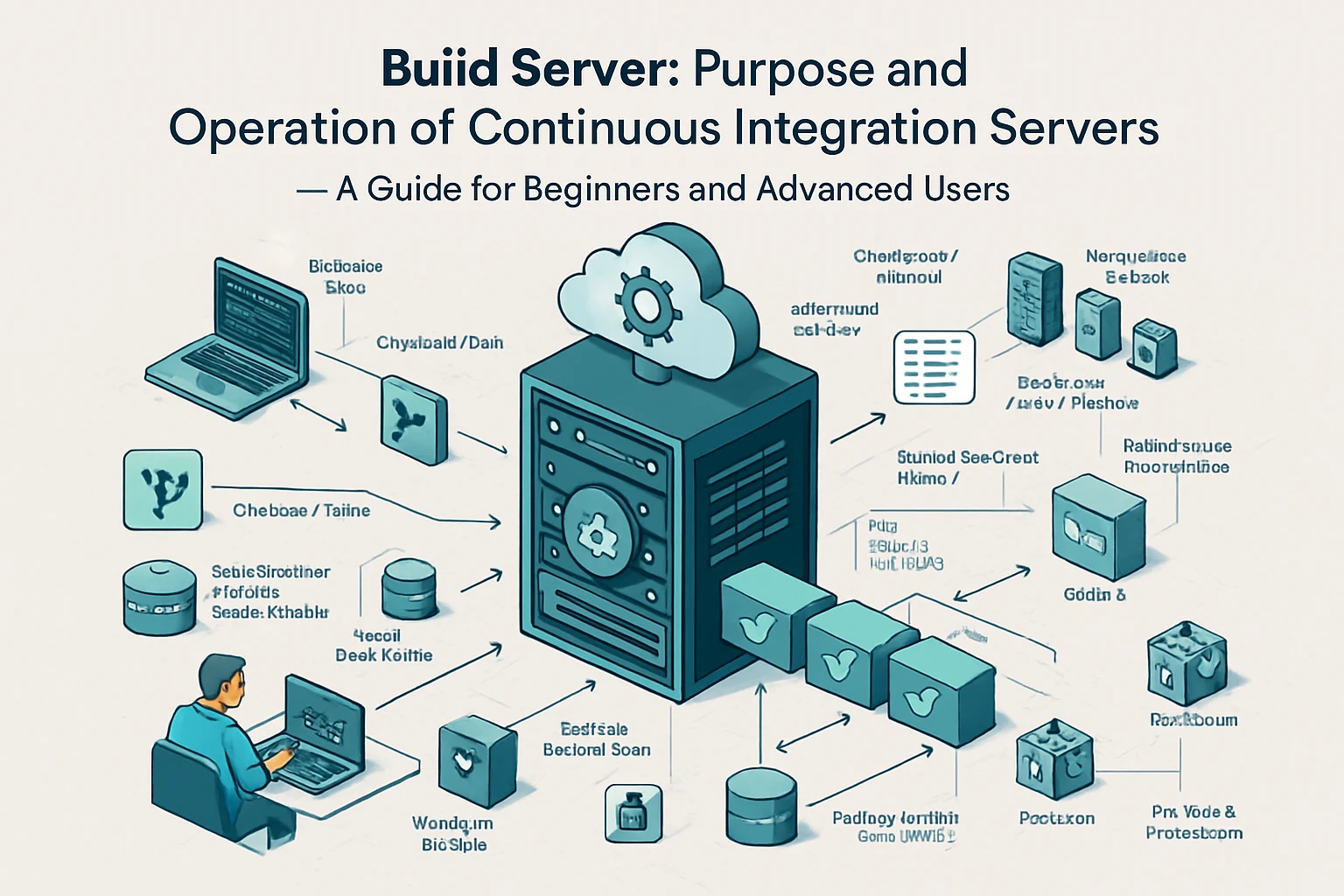
Modern software development increasingly favors continuous integration and continuous deployment (CI/CD) methodologies that deliver updates as soon as they're ready. This approach contrasts sharply with the service pack model, which batches changes for periodic release.
| Aspect | Service Packs | Continuous Updates |
|---|---|---|
| Release Frequency | Quarterly or annually | Daily to weekly |
| Update Size | Large, comprehensive | Small, incremental |
| Testing Scope | Extensive integration testing | Focused feature testing |
| Deployment Planning | Scheduled maintenance windows | Automated background updates |
| Rollback Complexity | Single restore point | Granular change reversal |
| Resource Requirements | High bandwidth, storage | Minimal individual impact |
Security considerations differ significantly between these approaches. Continuous updates can address security vulnerabilities immediately upon discovery, while service pack models may leave systems exposed for extended periods. However, the thorough testing associated with service packs can prevent the introduction of new vulnerabilities through inadequately tested patches.
User disruption patterns also vary considerably. Service packs typically require planned downtime and user preparation, while continuous updates often occur transparently in the background. This difference significantly impacts organizational workflow planning and user productivity management.
Industry Applications and Use Cases
Enterprise environments often favor service pack approaches due to regulatory compliance requirements and change management protocols. Industries such as healthcare, finance, and manufacturing require extensive validation procedures before implementing any software changes, making the comprehensive testing associated with service packs particularly valuable.
Government systems frequently mandate service pack deployment strategies to maintain security certification and ensure compatibility across large, distributed networks. The predictable release schedule allows for proper budgeting and resource allocation for update deployment and testing procedures.
"In enterprise environments, the cost of downtime often exceeds the cost of delayed features, making stability and predictability more valuable than cutting-edge functionality."
Legacy system maintenance represents another crucial application area for service packs. Older systems that cannot support continuous update mechanisms benefit from the comprehensive nature of service pack releases, which can address multiple compatibility issues simultaneously while maintaining system stability.
Critical infrastructure systems, including power grids, transportation networks, and telecommunications equipment, often rely on service pack update strategies to ensure maximum stability and minimize the risk of service disruptions that could affect public safety and essential services.
Security Implications and Risk Management
Service pack security considerations involve complex trade-offs between immediate vulnerability patching and comprehensive security validation. While continuous updates can address individual security threats quickly, service packs allow for thorough security testing that examines the interaction between multiple security fixes.
The extended development cycle associated with service packs enables comprehensive penetration testing and security auditing that would be impractical with individual patches. This thorough security validation can identify potential vulnerabilities introduced by the interaction between different security fixes.
Security Risk Assessment Framework:
| Risk Factor | Service Pack Impact | Mitigation Strategies |
|---|---|---|
| Exposure Window | Extended vulnerability periods | Interim hotfixes for critical issues |
| Integration Vulnerabilities | Comprehensive testing reduces risk | Multi-layered security validation |
| Rollback Security | Single restore point simplifies recovery | Comprehensive backup procedures |
| Compliance Requirements | Extensive documentation supports audits | Detailed change tracking systems |
Vulnerability disclosure coordination becomes more complex with service packs. Security researchers and vendors must coordinate disclosure timelines with service pack release schedules, potentially delaying public disclosure of vulnerabilities to align with comprehensive fix deployment.
Incident response procedures must account for the service pack update model. Organizations need contingency plans for addressing critical security vulnerabilities that emerge between service pack releases, often involving temporary workarounds or emergency patch deployment procedures.
Economic Considerations and Cost Analysis
The economic impact of service pack strategies extends beyond simple development costs to encompass deployment, testing, and maintenance expenses. Organizations must evaluate the total cost of ownership when choosing between service pack and continuous update approaches.
Development cost distribution differs significantly between update models. Service packs require substantial upfront investment in integration testing and quality assurance, while continuous updates spread these costs across multiple smaller releases. This difference affects budgeting and resource allocation strategies.
"The true cost of software updates isn't measured in development hours alone, but in the downstream effects on productivity, training, and system stability across the entire organization."
Deployment costs often favor service pack approaches for large organizations. The ability to plan and execute comprehensive update procedures during scheduled maintenance windows reduces the hidden costs associated with frequent system disruptions and user retraining requirements.
Training and support costs vary significantly between update models. Service packs typically require comprehensive user training sessions but occur infrequently, while continuous updates may require ongoing training efforts to keep users current with frequent interface and functionality changes.
Technical Implementation Strategies
Successful service pack implementation requires sophisticated planning and execution strategies that address the unique challenges of comprehensive update deployment. Pre-deployment testing must encompass not only individual component functionality but also system-wide integration and performance impacts.
Staging environment configuration becomes critical for service pack validation. Organizations must maintain test environments that accurately reflect production systems, including hardware configurations, network topology, and user access patterns that could affect service pack performance and compatibility.
Deployment orchestration requires careful sequencing to minimize system downtime and user disruption. Critical systems often require phased rollout strategies that allow for validation and rollback at each stage of the deployment process.
"Successful software deployment isn't about having the perfect plan—it's about having comprehensive contingency procedures for when things don't go according to plan."
Monitoring and validation procedures must be established before service pack deployment begins. Real-time system monitoring during and after installation helps identify potential issues before they impact user productivity or system stability.
Best Practices for Service Pack Management
Effective service pack management begins with comprehensive planning that encompasses technical, operational, and user experience considerations. Organizations should establish clear criteria for service pack evaluation, including security impact assessment, functionality improvement analysis, and compatibility verification procedures.
Communication strategies play a crucial role in successful service pack deployment. Users need adequate advance notice of planned updates, clear information about expected changes and benefits, and detailed instructions for any required preparation or post-installation procedures.
Testing protocols should include both automated and manual validation procedures. Automated testing can quickly identify obvious compatibility issues and performance regressions, while manual testing validates user workflows and identifies subtle usability problems that automated systems might miss.
Documentation requirements extend beyond technical specifications to include user guides, troubleshooting procedures, and rollback instructions. Comprehensive documentation supports both initial deployment and ongoing maintenance activities.
Future Trends and Evolution
The software update landscape continues evolving as development methodologies and user expectations change. Hybrid approaches that combine elements of service pack comprehensiveness with continuous update responsiveness are emerging as potential solutions to the limitations of purely traditional or modern update strategies.
Artificial intelligence and machine learning technologies are beginning to influence update deployment strategies. Predictive analytics can help identify optimal timing for service pack releases based on user behavior patterns, system performance metrics, and security threat landscapes.
"The future of software updates lies not in choosing between comprehensive and continuous approaches, but in intelligently combining their strengths while mitigating their individual weaknesses."
Cloud-based deployment technologies are enabling more sophisticated service pack distribution strategies. Organizations can leverage cloud infrastructure to stage and test service packs before deployment, reducing the risk and complexity associated with large-scale update procedures.
Container technologies and microservices architectures are influencing how service packs are conceived and implemented. These technologies enable more granular update strategies while maintaining the comprehensive testing and validation benefits traditionally associated with service pack approaches.
FAQ
What exactly is a service pack and how does it differ from regular updates?
A service pack is a comprehensive collection of updates, fixes, and enhancements bundled together as a single large release, typically containing months or years of accumulated improvements. Unlike regular updates that address individual issues, service packs provide comprehensive solutions that have undergone extensive integration testing to ensure all components work together seamlessly.
How often are service packs typically released?
Service pack release schedules vary by software vendor and product type, but most follow quarterly, semi-annual, or annual release cycles. Enterprise software often follows annual service pack releases, while consumer applications might release service packs every 3-6 months, depending on the complexity of the software and user needs.
Should I install service packs immediately when they're released?
It's generally recommended to wait for initial user feedback and any immediate hotfixes before installing service packs in critical environments. Allow 2-4 weeks for early adopters to identify potential issues, unless the service pack addresses critical security vulnerabilities that require immediate attention.
What should I do if a service pack causes problems on my system?
Most service packs include built-in rollback mechanisms that can restore your system to its previous state. Before installation, create a complete system backup and note your current system configuration. If problems occur, use the service pack's uninstall feature or restore from your backup while following the vendor's specific rollback procedures.
Are service packs still relevant in today's continuous update environment?
Service packs remain highly relevant, particularly in enterprise environments where stability and comprehensive testing are prioritized over immediate feature access. Many organizations use hybrid approaches, applying continuous security updates while relying on service packs for major functionality improvements and comprehensive system enhancements.
How much storage space do service packs typically require?
Service pack sizes vary significantly based on the software complexity and scope of changes, typically ranging from several hundred megabytes to multiple gigabytes. Enterprise applications and operating systems often require 2-5 GB of free space for download and installation, plus additional space for backup and temporary files during the installation process.