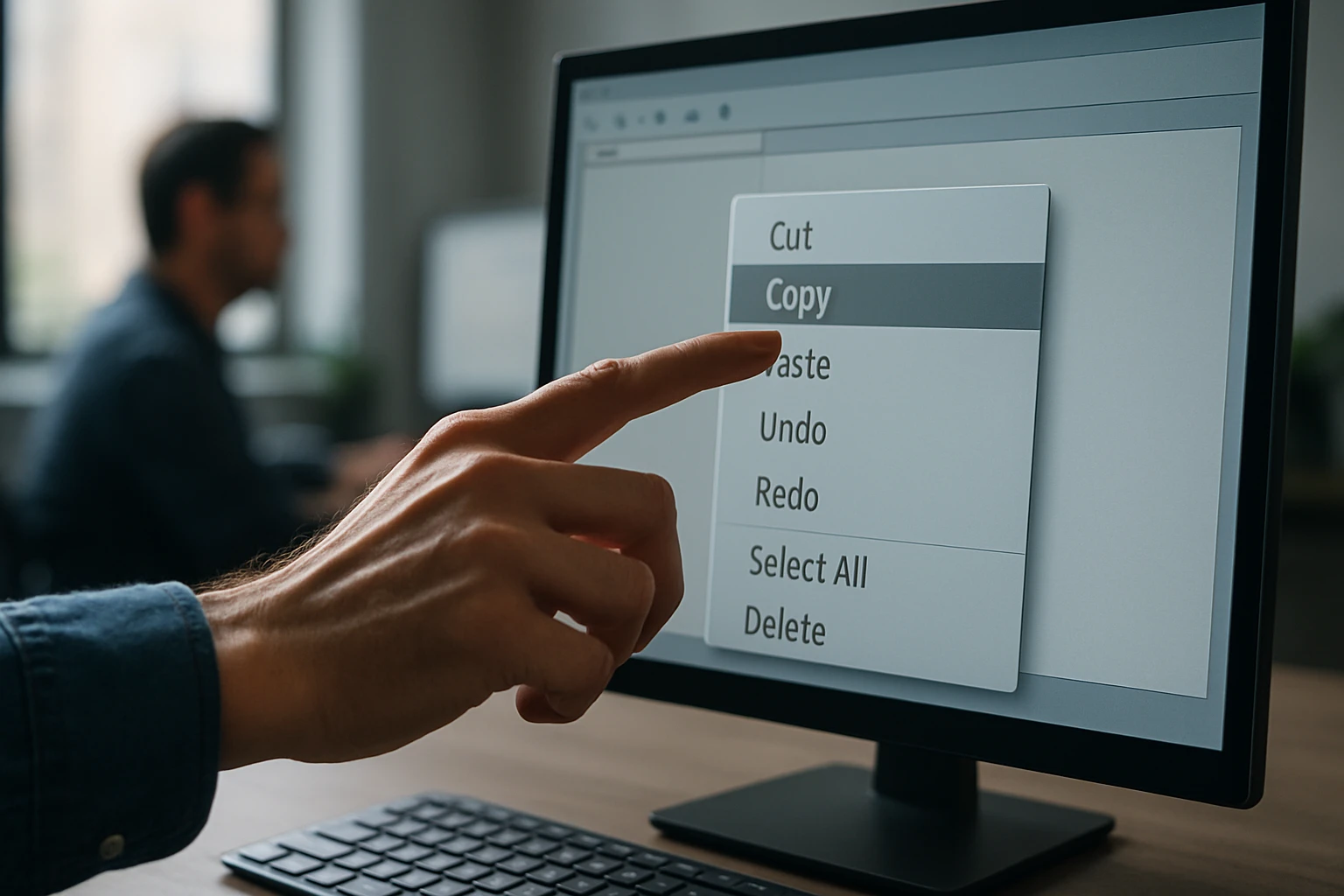
The simple act of pasting text or files might seem mundane, yet it represents one of the most fundamental interactions between humans and computers. Every day, millions of people rely on this basic operation without fully understanding the intricate processes happening behind the scenes. The paste function has evolved from a simple text transfer mechanism into a sophisticated system that handles everything from formatted documents to multimedia content, shaping how we work, create, and share information in the digital age.
At its core, pasting refers to the process of inserting previously copied or cut data from a temporary storage area called the clipboard into a new location within the same application or across different programs. This operation promises to reveal multiple layers of complexity, from the technical mechanisms that make it possible to the various implementations across different operating systems and applications. Understanding these perspectives helps us appreciate both the elegance and the challenges of this seemingly simple function.
Through exploring the paste operation in detail, readers will gain comprehensive insights into clipboard management, security considerations, cross-platform compatibility issues, and advanced pasting techniques that can significantly improve productivity. This knowledge empowers users to troubleshoot common problems, optimize their workflows, and make informed decisions about data handling in both personal and professional contexts.
The Technical Foundation of Paste Operations
The paste operation relies on a sophisticated system of memory management and inter-process communication. When data gets copied or cut, the operating system stores it in a dedicated memory space called the clipboard. This temporary storage acts as an intermediary between applications, allowing seamless data transfer across different programs and contexts.
Modern operating systems implement clipboard functionality through system-level APIs that applications can access. These APIs handle the complex task of managing different data formats simultaneously. For instance, when copying formatted text from a word processor, the clipboard might store the same content in multiple formats: plain text, rich text format (RTF), HTML, and application-specific formats.
"The clipboard serves as a universal translator, converting data between applications that might otherwise be incompatible."
The clipboard's memory allocation follows specific protocols to ensure system stability. Most operating systems limit clipboard size to prevent excessive memory usage, though these limits have grown substantially with modern hardware capabilities. When the clipboard reaches capacity, older entries typically get discarded using a first-in-first-out approach.
Memory Management and Data Persistence
Clipboard data persistence varies significantly across different scenarios. In most cases, clipboard contents remain available until new data replaces them or the system shuts down. However, some applications implement extended clipboard histories, maintaining multiple previous entries for enhanced productivity.
The technical implementation involves complex pointer management and memory allocation strategies. Operating systems must balance accessibility with security, ensuring that clipboard data remains available to authorized applications while preventing unauthorized access to sensitive information.
Cross-Platform Clipboard Behavior
Different operating systems handle paste operations with distinct approaches and limitations. Windows implements a robust clipboard system that supports multiple data formats and provides extensive API access for developers. The Windows clipboard can handle everything from simple text to complex object linking and embedding (OLE) data structures.
macOS takes a slightly different approach with its pasteboard system, which offers more granular control over data types and formatting. The macOS implementation excels at maintaining formatting consistency across applications, particularly within the Apple ecosystem. This system also supports multiple pasteboards simultaneously, allowing for more sophisticated data management workflows.
Linux distributions typically rely on X Window System protocols for clipboard functionality, though this varies depending on the desktop environment. The X11 clipboard system uses primary and secondary selections, creating a more complex but potentially more powerful clipboard experience for advanced users.
| Operating System | Clipboard Name | Key Features | Limitations |
|---|---|---|---|
| Windows | Clipboard | Multi-format support, OLE integration | Single active clipboard |
| macOS | Pasteboard | Multiple pasteboards, format preservation | Ecosystem-dependent optimization |
| Linux | X11 Selection | Primary/secondary selections | Varies by desktop environment |
| Mobile OS | System Clipboard | Touch-optimized, security focused | Limited cross-app functionality |
Mobile Platform Considerations
Mobile operating systems introduce additional complexity to paste operations due to touch interfaces and security constraints. iOS implements strict sandboxing that limits clipboard access between applications, while Android offers more flexibility but with varying implementations across device manufacturers.
Touch-based interfaces require different user interaction patterns for paste operations. Long-press gestures typically trigger paste options, but the specific behavior depends on the application and system version. These platforms also implement automatic clipboard clearing for security purposes, particularly when sensitive data like passwords might be involved.
Data Format Handling and Conversion
The paste operation must handle numerous data formats, each with specific requirements and compatibility considerations. Plain text represents the most universal format, supported across virtually all applications and platforms. However, maintaining formatting, images, and other rich content requires more sophisticated format handling.
Rich Text Format (RTF) serves as a common intermediate format for preserving basic formatting across different applications. When pasting between word processors, RTF often provides the best balance between formatting preservation and compatibility. However, complex formatting elements might still get lost or modified during the transfer process.
"Format conversion during paste operations often involves intelligent guessing about user intent, balancing fidelity with compatibility."
HTML formatting has become increasingly important as web-based applications proliferate. Many modern applications can interpret HTML clipboard data, allowing for seamless pasting from web browsers to document editors. This capability enables rich content transfer including links, basic formatting, and even embedded media references.
Specialized Data Types
Beyond text and formatting, paste operations must handle specialized data types like images, files, and application-specific objects. Image data typically gets stored in multiple formats simultaneously – bitmap for universal compatibility and vector formats for scalability when available.
File pasting involves complex file system operations, particularly when moving files between different storage locations or file systems. The paste operation must handle permissions, naming conflicts, and potentially large data transfers while maintaining system responsiveness.
Security Implications and Privacy Concerns
Clipboard operations present significant security considerations that often go unnoticed by casual users. Malicious applications can potentially access clipboard contents, creating risks for sensitive information like passwords, credit card numbers, or confidential documents. Modern operating systems implement various protections, but vulnerabilities still exist.
Cross-application clipboard access enables powerful productivity features but also creates potential attack vectors. Some malware specifically targets clipboard contents, either stealing sensitive data or injecting malicious content. Understanding these risks helps users make informed decisions about clipboard usage in sensitive contexts.
"Clipboard security requires balancing convenience with protection, as overly restrictive measures can severely impact usability."
Recent operating system updates have introduced clipboard access notifications and permissions, alerting users when applications access clipboard data. These features represent important steps toward transparent clipboard security, though implementation varies across platforms and applications.
Enterprise Security Considerations
Corporate environments face additional clipboard security challenges due to data loss prevention (DLP) requirements and compliance regulations. Many enterprise solutions implement clipboard monitoring and filtering to prevent sensitive data from leaving secure environments through paste operations.
Virtual desktop environments often restrict clipboard functionality between local and remote systems to maintain security boundaries. These restrictions can significantly impact user productivity, requiring careful balance between security requirements and operational efficiency.
Advanced Paste Techniques and Productivity Features
Modern applications offer sophisticated paste options that extend far beyond basic data insertion. Paste Special functionality allows users to control exactly how data gets inserted, choosing specific formats or applying transformations during the paste operation. This feature proves particularly valuable when working with spreadsheets, presentations, or complex documents.
Smart paste algorithms attempt to understand context and user intent, automatically adjusting formatting or data structure to match the destination. For example, pasting a list of items into a spreadsheet might automatically distribute the data across multiple cells, while pasting the same content into a word processor might preserve the list formatting.
Multiple clipboard managers have emerged to address the limitations of single-item clipboard systems. These tools maintain histories of copied items, allowing users to access previously copied content and manage multiple clipboard entries simultaneously. Some advanced clipboard managers offer synchronization across devices and intelligent categorization of clipboard contents.
| Feature Type | Basic Implementation | Advanced Implementation | Use Cases |
|---|---|---|---|
| Paste Special | Format selection | Context-aware conversion | Cross-application workflows |
| Clipboard History | Recent items list | Searchable, categorized history | Research and content creation |
| Smart Paste | Basic format detection | AI-powered context analysis | Data entry and formatting |
| Sync Clipboard | Local network sharing | Cloud-based synchronization | Multi-device workflows |
Automation and Scripting Integration
Power users often integrate paste operations into automated workflows through scripting and macro systems. These implementations can handle complex data transformations, batch operations, and conditional pasting based on content analysis or destination context.
Programming environments frequently offer programmatic clipboard access, enabling developers to create sophisticated data processing pipelines. These capabilities support everything from simple text manipulation to complex data migration tasks between different systems and formats.
Troubleshooting Common Paste Issues
Paste operations can fail for various reasons, from simple formatting incompatibilities to complex system-level issues. Understanding common failure modes helps users diagnose and resolve problems quickly. Format mismatches represent the most frequent cause of paste failures, particularly when transferring content between applications with different capabilities.
Memory limitations can prevent paste operations when dealing with large files or complex data structures. Modern systems typically handle substantial clipboard contents, but older hardware or resource-constrained environments might struggle with demanding paste operations.
"Most paste failures result from format incompatibilities rather than technical malfunctions, making format awareness crucial for troubleshooting."
Application-specific paste restrictions sometimes prevent expected functionality, particularly in security-sensitive environments or specialized software. These restrictions might block certain data types, limit paste sources, or require specific user permissions before allowing paste operations.
Performance Optimization Strategies
Large paste operations can impact system performance, particularly when transferring substantial amounts of data or complex formatting. Understanding how to optimize these operations helps maintain system responsiveness and user productivity.
Background processing capabilities in modern operating systems allow paste operations to continue while users work on other tasks. However, this functionality depends on proper application implementation and sufficient system resources.
Future Developments and Emerging Trends
Artificial intelligence integration promises to revolutionize paste operations through intelligent content analysis and automatic formatting suggestions. AI-powered systems could understand user intent and automatically optimize paste operations for specific contexts or destinations.
Cloud integration continues expanding clipboard functionality beyond individual devices. Universal clipboard systems that work seamlessly across different platforms and devices represent a significant trend toward more integrated computing experiences.
"The future of paste operations lies in intelligent automation that understands not just what users want to paste, but why and how they want to use that content."
Voice and gesture-based interfaces introduce new paradigms for paste operations, particularly as computing moves beyond traditional keyboard and mouse interactions. These interfaces require reimagining how users interact with clipboard functionality in natural and intuitive ways.
Collaborative Features and Real-time Sharing
Emerging collaborative tools integrate paste operations with real-time sharing capabilities, allowing teams to share clipboard contents instantly across different users and devices. These features support more dynamic collaboration workflows while maintaining appropriate security and privacy controls.
Version control integration for clipboard operations could provide undo functionality and change tracking for paste operations, particularly valuable in collaborative editing environments where multiple users might be working with shared content simultaneously.
Implementation Best Practices
Effective paste operation implementation requires careful consideration of user experience, performance, and compatibility factors. Applications should provide clear feedback about paste operation status, particularly for time-consuming operations involving large amounts of data or complex format conversions.
Error handling becomes crucial when paste operations encounter problems. Applications should provide meaningful error messages that help users understand what went wrong and suggest potential solutions. Graceful degradation ensures that partial paste operations can still provide value even when complete format preservation isn't possible.
"Successful paste implementation prioritizes user understanding over technical complexity, making the operation predictable and recoverable."
Accessibility considerations ensure that paste functionality remains usable across different input methods and user capabilities. This includes keyboard navigation support, screen reader compatibility, and alternative interaction methods for users with different accessibility needs.
Testing and Quality Assurance
Comprehensive testing of paste functionality requires evaluation across multiple data types, format combinations, and system configurations. Edge cases involving unusual data formats or system states often reveal implementation weaknesses that might not appear during normal usage.
Performance testing becomes particularly important for applications that handle large-scale paste operations or work with resource-intensive data types. Understanding performance characteristics helps developers optimize implementations and set appropriate user expectations.
What happens when I paste content between different applications?
When pasting between applications, the operating system's clipboard acts as an intermediary, converting data formats as needed. The destination application receives the data in the most compatible format available, though some formatting or functionality might be lost during conversion.
Why does pasted formatting sometimes look different than the original?
Format differences occur because applications interpret clipboard data according to their own capabilities and style systems. The clipboard might contain multiple format versions, but the destination application chooses the format that best matches its internal structure, potentially altering appearance.
Can other applications access my clipboard data?
Yes, applications can typically access clipboard contents, though modern operating systems increasingly implement permissions and notifications for clipboard access. Some platforms now alert users when applications read clipboard data, providing transparency about potential privacy implications.
How much data can the clipboard hold?
Clipboard capacity varies by operating system and available memory, but modern systems typically handle substantial amounts of data. Most platforms automatically manage clipboard memory, discarding old content when new data is copied to prevent excessive resource usage.
Why do some paste operations take a long time?
Slow paste operations usually result from large data transfers, complex format conversions, or system resource limitations. Operations involving file transfers, high-resolution images, or cross-network pasting typically require more time to complete than simple text operations.
Is clipboard data secure?
Clipboard security varies significantly across platforms and applications. While operating systems implement basic protections, sensitive data in the clipboard remains potentially accessible to other applications. Users should avoid keeping sensitive information in the clipboard longer than necessary.