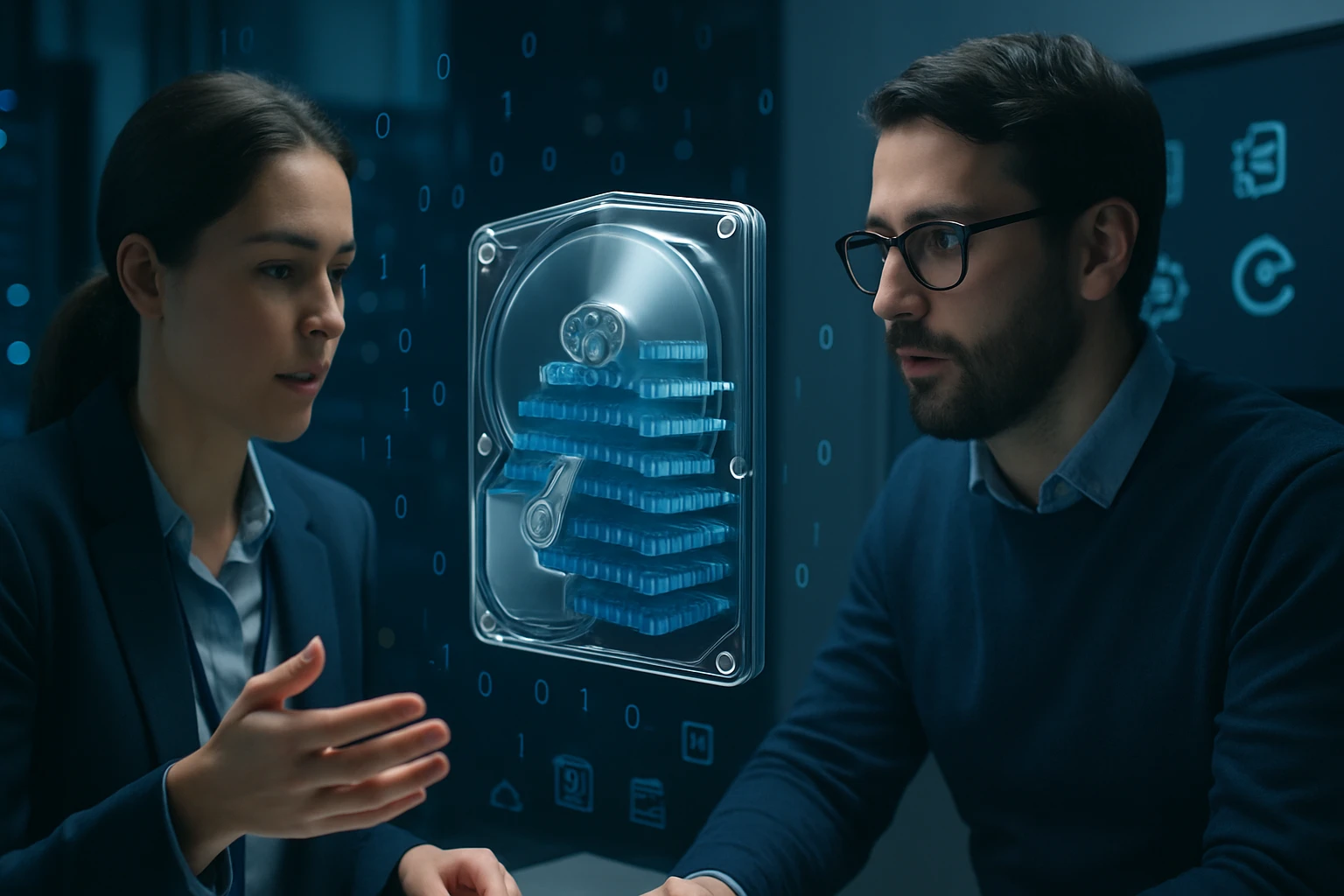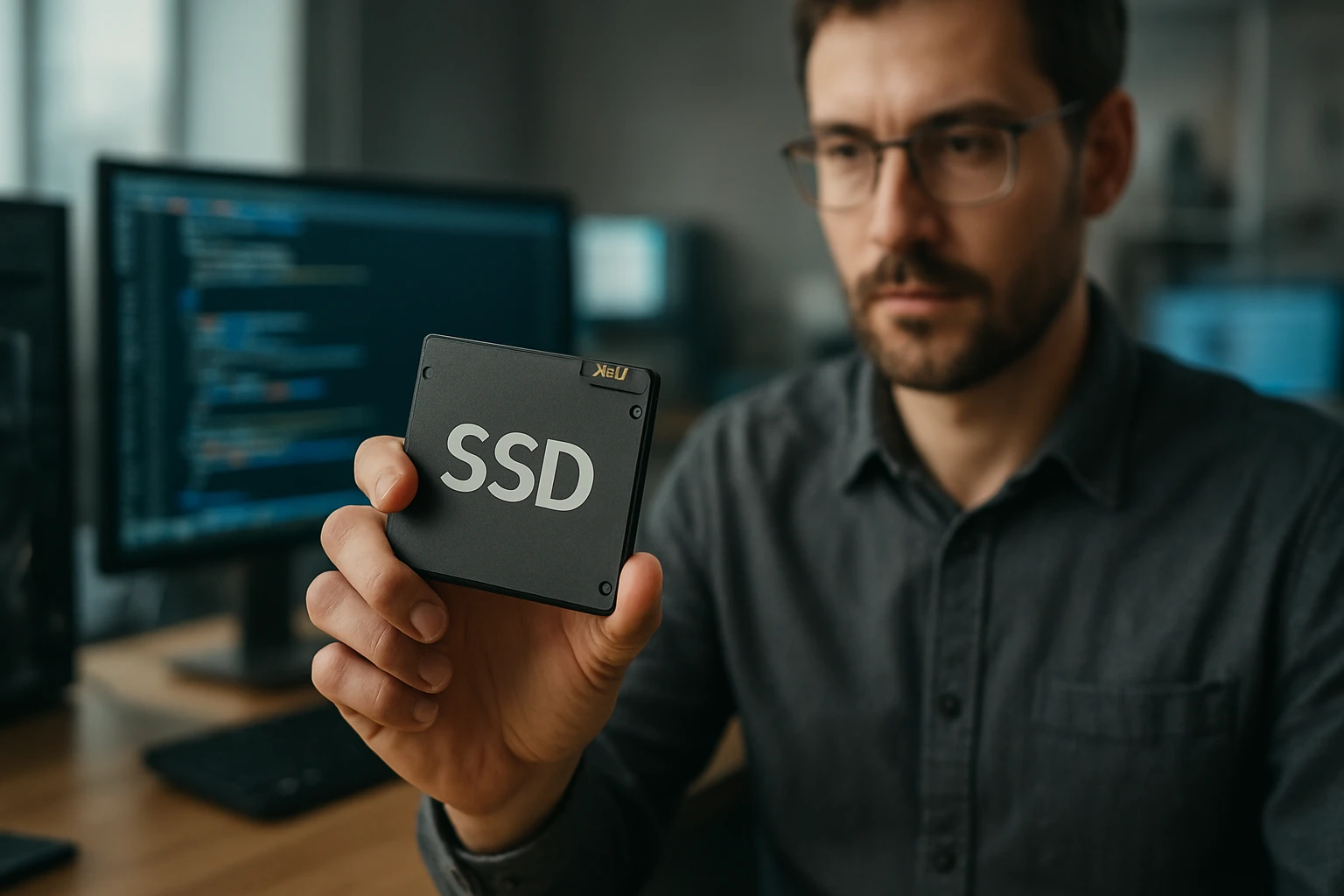
The digital revolution has fundamentally transformed how we store, access, and interact with data, making storage technology one of the most critical components in our daily technological experiences. As someone who has witnessed the evolution from mechanical hard drives to today's lightning-fast storage solutions, I find the emergence of solid-state drives particularly fascinating because they represent a paradigm shift that touches every aspect of computing performance. The way these devices have revolutionized everything from smartphone responsiveness to enterprise data centers demonstrates how foundational storage technology truly is to our modern digital infrastructure.
A solid-state drive (SSD) is a data storage device that uses integrated circuit assemblies to store data persistently, typically using flash memory, without any moving mechanical components. Unlike traditional hard disk drives that rely on spinning platters and mechanical read/write heads, SSDs offer a completely electronic approach to data storage that promises dramatically improved performance, reliability, and energy efficiency. This technological advancement represents multiple perspectives on storage evolution, from the engineering innovations that made flash memory viable to the economic implications of faster data access across industries.
Throughout this exploration, you'll discover the intricate workings of SSD technology, understand the various types and their specific applications, and learn how these devices are reshaping everything from personal computing to large-scale data operations. We'll examine the technical foundations that make SSDs possible, compare their advantages and limitations against traditional storage methods, and look ahead to emerging trends that will define the future of data storage technology.
Understanding SSD Architecture and Core Components
The fundamental architecture of solid-state drives represents a sophisticated integration of multiple technological components working in harmony to deliver exceptional performance. At the heart of every SSD lies NAND flash memory, a type of non-volatile storage that retains data even when power is removed. This memory is organized into cells, pages, and blocks, creating a hierarchical structure that enables efficient data management and access patterns.
The controller serves as the brain of the SSD, managing all operations between the host system and the flash memory. This sophisticated microprocessor handles wear leveling, error correction, garbage collection, and data mapping functions that are crucial for optimal performance and longevity. Modern SSD controllers incorporate advanced algorithms that distribute write operations evenly across memory cells, preventing premature wear and extending the drive's operational lifespan.
"The elimination of mechanical components in storage devices has fundamentally changed our expectations of system responsiveness and reliability in ways that continue to influence technology design decisions across all computing platforms."
Cache memory, typically in the form of DRAM or SLC NAND, provides temporary storage for frequently accessed data and controller operations. This cache layer significantly improves performance by reducing latency for common operations and enabling more efficient data processing workflows. The size and type of cache memory directly impact the SSD's ability to handle sustained workloads and maintain consistent performance under varying conditions.
Types and Classifications of Solid State Drives
Form Factor Classifications
Modern SSDs are available in several distinct form factors, each designed to meet specific application requirements and space constraints. The traditional 2.5-inch SATA drives maintain compatibility with existing laptop and desktop systems while providing significant performance improvements over mechanical drives. These drives typically offer capacities ranging from 120GB to 8TB, making them suitable for a wide range of consumer and professional applications.
M.2 drives represent a more compact and versatile form factor that connects directly to the motherboard through specialized slots. These drives eliminate the need for separate power and data cables, reducing system complexity while enabling higher performance through faster interface connections. M.2 SSDs are particularly popular in ultrabooks, gaming systems, and compact desktop builds where space efficiency is paramount.
Enterprise-grade SSDs often utilize larger form factors like 2.5-inch or 3.5-inch designs to accommodate additional components for enhanced reliability and performance. These drives frequently include features like power loss protection, enhanced error correction capabilities, and higher endurance ratings to meet the demanding requirements of data center and server applications.
Interface Technology Variations
| Interface Type | Maximum Bandwidth | Typical Use Cases | Latency Characteristics |
|---|---|---|---|
| SATA III | 6 Gbps | Consumer laptops, budget builds | Moderate latency |
| NVMe PCIe 3.0 | 32 Gbps | Gaming, professional workstations | Low latency |
| NVMe PCIe 4.0 | 64 Gbps | High-performance computing | Very low latency |
| NVMe PCIe 5.0 | 128 Gbps | Enterprise, future applications | Ultra-low latency |
The interface technology determines how the SSD communicates with the host system and directly impacts performance capabilities. SATA interfaces, while widely compatible, represent the older standard that limits bandwidth and increases latency compared to newer PCIe-based solutions. NVMe (Non-Volatile Memory Express) protocol, designed specifically for flash storage, eliminates many of the bottlenecks associated with legacy storage interfaces.
PCIe generations continue to evolve, with each iteration doubling the available bandwidth and reducing latency. This progression enables SSDs to fully utilize the speed advantages of flash memory technology without being constrained by interface limitations. The choice of interface significantly affects system performance, particularly in applications requiring high-speed data access or transfer operations.
Performance Characteristics and Metrics
Speed and Latency Considerations
Sequential read and write speeds represent the most commonly cited SSD performance metrics, indicating how quickly the drive can process large, continuous data streams. Modern high-end SSDs achieve sequential read speeds exceeding 7,000 MB/s, dramatically surpassing the 150-200 MB/s typical of traditional hard drives. These improvements translate directly to faster boot times, application loading, and file transfer operations that users experience daily.
Random input/output operations per second (IOPS) provide a more relevant performance indicator for typical computing workloads. SSDs excel in random access scenarios, delivering hundreds of thousands of IOPS compared to the few hundred IOPS typical of mechanical drives. This advantage becomes particularly apparent in multitasking environments, database operations, and scenarios involving numerous small file accesses.
"The transition from mechanical to solid-state storage has redefined our understanding of system bottlenecks, shifting performance limitations from storage access times to other system components like memory bandwidth and processor capabilities."
Latency measurements reveal another crucial advantage of SSD technology, with access times measured in microseconds rather than the milliseconds required by mechanical drives. This reduction in latency contributes to overall system responsiveness and enables new application architectures that rely on rapid data access patterns. The consistency of SSD performance under varying load conditions also provides more predictable system behavior compared to mechanical alternatives.
Advantages of Solid State Drive Technology
The elimination of moving parts in SSD design creates numerous advantages that extend far beyond simple speed improvements. Mechanical reliability increases dramatically when components no longer depend on precise physical positioning and movement, resulting in significantly lower failure rates and reduced susceptibility to physical shock or vibration damage. This reliability advantage makes SSDs particularly valuable in mobile computing devices and environments where mechanical stress is common.
Power consumption characteristics of SSDs provide substantial benefits for battery-powered devices and energy-conscious computing environments. The absence of motors and mechanical components reduces power requirements by 80-90% compared to traditional hard drives, extending laptop battery life and reducing cooling requirements in data center applications. This efficiency improvement becomes increasingly important as organizations focus on reducing energy consumption and operational costs.
"Energy efficiency improvements in storage technology have enabled the development of thinner, lighter portable devices while simultaneously reducing operational costs in large-scale computing environments."
Noise elimination represents another significant advantage, as SSDs operate completely silently without the clicking, whirring, or seeking sounds associated with mechanical drives. This characteristic proves particularly valuable in quiet work environments, recording studios, and residential settings where noise pollution affects productivity or comfort levels.
Durability and Environmental Resistance
SSDs demonstrate superior resistance to environmental factors that commonly affect mechanical storage devices. Temperature tolerance ranges are typically broader, and the absence of sensitive mechanical components reduces susceptibility to altitude changes, humidity variations, and electromagnetic interference. These characteristics make SSDs ideal for industrial applications, automotive systems, and outdoor installations where environmental conditions may be challenging.
Shock and vibration resistance capabilities of SSDs far exceed those of mechanical drives, with many models rated to withstand impacts that would immediately destroy traditional hard drives. This durability advantage proves crucial for military applications, portable systems, and any scenario where the storage device may experience physical stress during operation or transport.
Limitations and Considerations
Write Endurance and Lifespan Factors
Flash memory cells have finite write/erase cycles before they become unreliable, creating a fundamental limitation that doesn't affect mechanical storage devices. Modern SSDs implement sophisticated wear leveling algorithms to distribute writes evenly across all memory cells, but the underlying limitation remains a consideration for write-intensive applications. Understanding and monitoring drive endurance becomes important for applications involving frequent data updates or high-volume write operations.
Different types of NAND flash memory exhibit varying endurance characteristics, with Single-Level Cell (SLC) technology offering the highest endurance but at significantly higher costs. Multi-Level Cell (MLC), Triple-Level Cell (TLC), and Quad-Level Cell (QLC) technologies provide increasing storage density at the cost of reduced endurance and slightly lower performance characteristics.
"The finite nature of flash memory write cycles has driven innovations in controller algorithms and system-level optimizations that actually extend practical device lifespans beyond what early projections suggested would be possible."
Modern SSDs include built-in monitoring capabilities that track wear levels and provide early warning of potential issues. These Self-Monitoring, Analysis, and Reporting Technology (SMART) features enable proactive replacement scheduling and help prevent unexpected data loss situations.
Cost and Capacity Considerations
| Storage Type | Cost per GB | Typical Capacities | Performance Tier |
|---|---|---|---|
| QLC SSD | $0.08-0.12 | 1TB-8TB | Consumer |
| TLC SSD | $0.10-0.15 | 500GB-4TB | Mainstream |
| MLC SSD | $0.15-0.25 | 256GB-2TB | Professional |
| SLC SSD | $0.50-1.00 | 64GB-512GB | Enterprise |
Cost per gigabyte remains higher for SSD technology compared to traditional mechanical drives, although this gap continues to narrow as manufacturing scales increase and technology matures. The total cost of ownership calculation must consider factors beyond initial purchase price, including energy savings, reduced cooling requirements, and improved system reliability that SSDs provide.
Capacity limitations become apparent in applications requiring massive storage volumes, where the cost differential between SSD and mechanical storage becomes substantial. Many organizations implement hybrid approaches, using SSDs for frequently accessed data and mechanical drives for archival storage to optimize both performance and cost effectiveness.
Applications Across Different Computing Environments
Consumer Computing Applications
Personal computers benefit tremendously from SSD integration, with boot times reducing from minutes to seconds and application launch times improving dramatically. The responsiveness improvement extends to everyday tasks like file browsing, document editing, and media consumption, creating a noticeably enhanced user experience. Gaming applications particularly benefit from SSD technology, with reduced loading times and improved texture streaming capabilities.
Mobile devices rely heavily on solid-state storage technology to achieve the thin profiles and extended battery life that consumers expect. Smartphones, tablets, and ultrabooks utilize specialized SSD implementations optimized for space efficiency and power consumption while maintaining the performance characteristics necessary for modern mobile computing demands.
Content creation workflows involving video editing, 3D rendering, and large-scale image processing benefit significantly from SSD performance characteristics. The ability to rapidly access and manipulate large media files enables more efficient creative processes and reduces the time required for complex rendering operations.
Enterprise and Data Center Implementations
Database servers experience dramatic performance improvements when migrating from mechanical to solid-state storage, with transaction processing speeds increasing by orders of magnitude. The low latency and high IOPS capabilities of SSDs enable database systems to handle larger concurrent user loads while maintaining responsive query performance. This improvement directly translates to better user experiences in web applications and enterprise software systems.
Virtualization environments benefit from SSD technology through improved virtual machine performance and higher consolidation ratios. The ability to rapidly access virtual machine images and handle multiple concurrent I/O operations enables more efficient resource utilization and better performance isolation between virtualized workloads.
"The deployment of solid-state storage in enterprise environments has enabled new architectural approaches to data processing that were previously impractical due to storage performance limitations."
Cloud computing infrastructure increasingly relies on SSD technology to deliver the performance characteristics that modern applications require. The scalability and consistency of SSD performance enable cloud providers to offer more predictable service levels and support demanding workloads that require guaranteed response times.
Future Trends and Technological Evolution
Emerging Memory Technologies
Next-generation storage technologies promise to address current limitations while providing even greater performance improvements. 3D NAND technology continues to evolve, enabling higher storage densities while maintaining or improving performance characteristics. These advances allow manufacturers to produce larger capacity drives in smaller form factors while reducing cost per gigabyte.
Storage-class memory technologies like Intel Optane and other persistent memory solutions blur the line between traditional storage and system memory. These technologies offer latencies approaching that of DRAM while providing the persistence characteristics of traditional storage devices, enabling new application architectures and computing paradigms.
Computational storage represents an emerging trend where processing capabilities are integrated directly into storage devices. This approach reduces data movement requirements and enables more efficient processing of large datasets by performing computations closer to where data is stored.
Industry and Market Developments
Manufacturing improvements continue to drive down costs while increasing performance and reliability characteristics. Advanced controller technologies incorporate machine learning algorithms to optimize performance based on usage patterns and predict potential failures before they occur. These intelligent storage systems adapt to specific workload requirements and provide enhanced value beyond simple capacity and speed improvements.
Interface evolution continues with the development of faster PCIe generations and new protocols designed specifically for next-generation storage technologies. These improvements ensure that interface limitations don't constrain the performance potential of advancing storage technologies.
The integration of artificial intelligence and machine learning capabilities into storage systems enables predictive optimization and automated management features that reduce administrative overhead while improving performance and reliability outcomes.
What is the main difference between SSDs and traditional hard drives?
SSDs use flash memory with no moving parts, while traditional hard drives use spinning magnetic disks with mechanical read/write heads. This fundamental difference results in SSDs being faster, more reliable, quieter, and more energy-efficient, but typically more expensive per gigabyte of storage.
How long do SSDs typically last?
Modern SSDs typically last 5-10 years under normal consumer usage patterns. The actual lifespan depends on factors like write volume, drive quality, and usage patterns. Most SSDs include wear monitoring features that provide advance warning when replacement becomes necessary.
Can I replace my laptop's hard drive with an SSD?
Most laptops can accommodate SSD upgrades, though compatibility depends on the specific model and interface type. Check your laptop's specifications for supported drive types (SATA, M.2, etc.) and physical size constraints before purchasing a replacement SSD.
Do SSDs require special maintenance or care?
SSDs require minimal maintenance compared to mechanical drives. Avoid defragmentation (which can actually reduce SSD lifespan), ensure adequate free space for wear leveling algorithms, and occasionally check drive health using built-in monitoring tools or manufacturer software.
What capacity SSD should I choose for my needs?
Capacity requirements vary based on usage patterns. For basic computing: 256-512GB, for gaming and multimedia: 1-2TB, for professional content creation: 2TB or larger. Consider your current storage usage and future growth when selecting capacity.
Are there different types of SSDs for different applications?
Yes, SSDs vary in memory type (SLC, MLC, TLC, QLC), interface (SATA, NVMe), and design focus (consumer, enterprise, industrial). Each type offers different balances of performance, endurance, and cost to match specific application requirements.