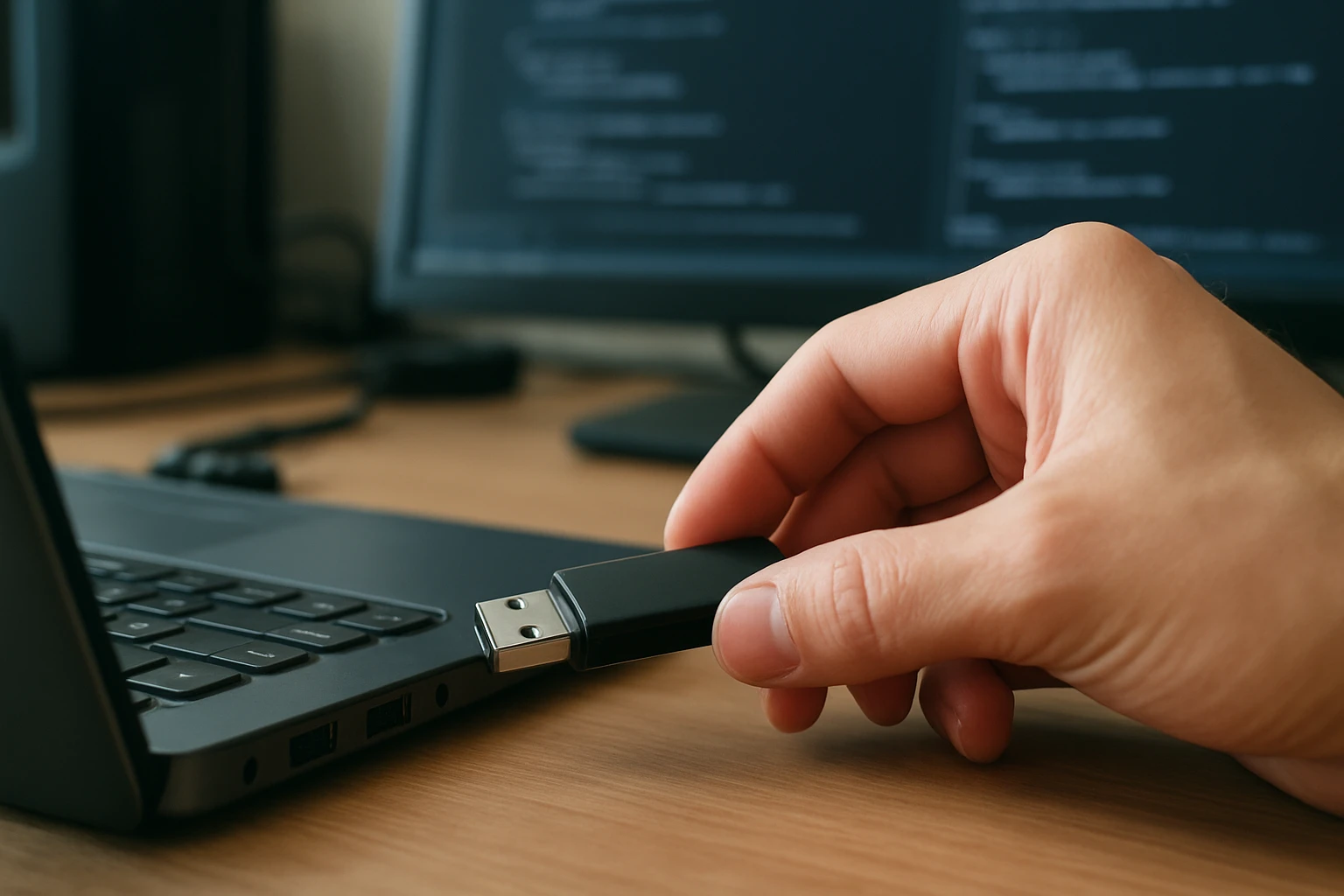
The world of portable storage has revolutionized how we carry, share, and access our digital lives. What started as a simple solution to the limitations of floppy disks has evolved into an essential tool that sits quietly in our pockets, bags, and keychains, ready to bridge the gap between devices and locations. These small yet powerful devices have become so integrated into our daily routines that we often forget how transformative they truly are.
A pendrive, also known as a flash drive, USB drive, or thumb drive, is a portable data storage device that uses flash memory to store and retrieve digital information. These compact devices connect to computers and other compatible devices through a Universal Serial Bus (USB) interface, offering users the ability to transfer files, create backups, and carry important data wherever they go. This exploration will examine multiple facets of these devices, from their technical foundations to their practical applications in various scenarios.
Throughout this comprehensive examination, you'll discover the intricate workings of flash memory technology, understand the different types and specifications available, learn about optimal usage practices, and explore both common and innovative applications. Additionally, we'll address security considerations, troubleshooting techniques, and future developments in portable storage technology, providing you with a thorough understanding of these indispensable digital tools.
Understanding Flash Memory Technology
Flash memory serves as the foundation of all pendrives and represents one of the most significant advances in data storage technology. This non-volatile memory type retains information even when power is removed, making it ideal for portable storage applications. The technology operates through floating-gate transistors that can trap electrical charges, representing binary data as either charged or uncharged states.
The manufacturing process involves creating memory cells arranged in blocks and pages, with each cell capable of storing one or more bits of information. Single-Level Cell (SLC) technology stores one bit per cell, offering superior durability and performance but at higher costs. Multi-Level Cell (MLC) technology stores two bits per cell, providing better cost efficiency while maintaining reasonable performance levels.
Triple-Level Cell (TLC) and Quad-Level Cell (QLC) technologies push density even further by storing three and four bits per cell respectively. While these higher-density options reduce per-gigabyte costs significantly, they also introduce trade-offs in terms of write endurance and performance. Understanding these distinctions helps users select appropriate devices for their specific needs and usage patterns.
"The beauty of flash memory lies not just in its ability to store data without power, but in how it democratized portable computing by making large amounts of storage accessible to everyone."
Modern flash drives incorporate sophisticated controllers that manage wear leveling, error correction, and garbage collection processes. These controllers distribute write operations across memory cells to prevent premature wear and employ advanced algorithms to maintain data integrity. The controller also handles the translation between the logical addresses used by the operating system and the physical addresses within the flash memory array.
Types and Form Factors
The pendrive market offers an extensive variety of form factors and designs to suit different user preferences and application requirements. Standard USB-A drives remain the most common type, featuring the familiar rectangular connector that fits into traditional USB ports found on most computers and many other devices.
USB-C drives have gained significant popularity as more devices adopt the reversible USB-C standard. These drives offer the convenience of universal orientation insertion and often support faster data transfer speeds. Many modern USB-C drives also feature dual connectors, providing both USB-A and USB-C compatibility in a single device.
Specialized form factors include ultra-compact drives designed for permanent installation in devices where space is limited. These tiny drives often protrude minimally from USB ports, making them ideal for laptops used in mobile environments. Conversely, rugged drives feature reinforced housings with water resistance, shock protection, and dust sealing for harsh operating conditions.
Security-focused drives incorporate hardware encryption, biometric authentication, or physical switches that enable write protection. These devices cater to users handling sensitive information that requires additional protection beyond standard software-based security measures. Some models even include self-destruct mechanisms that permanently erase data after repeated failed authentication attempts.
Storage Capacities and Performance Specifications
Modern pendrives span an impressive range of storage capacities, from basic 4GB models suitable for document storage to high-capacity 1TB drives that can accommodate extensive media collections. The relationship between capacity, performance, and price creates distinct market segments serving different user needs and budgets.
| Capacity Range | Typical Use Cases | Performance Characteristics |
|---|---|---|
| 4GB – 16GB | Documents, presentations, basic file transfer | Standard read/write speeds, budget-friendly |
| 32GB – 128GB | Media files, software installers, moderate backup needs | Balanced performance and capacity |
| 256GB – 512GB | Large media collections, system backups, professional use | Higher performance options available |
| 1TB+ | Comprehensive backups, video editing, enterprise applications | Premium performance and reliability features |
Performance specifications vary dramatically across different drive categories and price points. USB 2.0 drives typically achieve maximum theoretical speeds of 480 Mbps, though real-world performance often reaches only 20-40 MB/s due to protocol overhead and flash memory limitations. USB 3.0 and later standards offer significantly higher bandwidth, with USB 3.0 providing up to 5 Gbps theoretical throughput.
High-performance drives leverage faster flash memory types and optimized controllers to achieve read speeds exceeding 400 MB/s and write speeds surpassing 300 MB/s. These performance levels approach those of traditional hard drives and make flash drives viable for applications requiring frequent large file transfers or direct program execution.
The relationship between advertised speeds and real-world performance depends heavily on file sizes and access patterns. Sequential transfers of large files typically achieve speeds closer to advertised specifications, while small file operations may perform significantly slower due to overhead and latency considerations.
File Systems and Compatibility
File system selection significantly impacts pendrive compatibility and functionality across different operating systems and devices. The choice of file system determines maximum file sizes, directory structures, and which devices can successfully read and write data to the drive.
FAT32 remains the most universally compatible file system, supported by virtually every operating system and device capable of USB storage access. However, FAT32 imposes a 4GB maximum individual file size limit, which can be restrictive for modern applications involving high-definition video files or large software installations.
NTFS provides advanced features including file permissions, compression, and encryption while supporting files larger than 4GB. Windows systems handle NTFS natively, but macOS provides only read access without additional software, and many consumer electronics devices cannot access NTFS-formatted drives at all.
exFAT represents a modern compromise, offering large file support without the complexity and compatibility limitations of NTFS. Most current operating systems support exFAT natively, making it an excellent choice for drives intended for cross-platform use with large files.
"Choosing the right file system is like selecting the right language for communication – it determines who can understand and interact with your data."
Specialized file systems like ext4 or HFS+ serve specific operating system ecosystems but limit compatibility with other platforms. Some users maintain multiple partitions with different file systems on larger drives, though this approach adds complexity and may confuse less technical users.
Data Transfer and Usage Practices
Effective pendrive usage requires understanding proper connection, ejection, and data transfer procedures to prevent data corruption and ensure optimal performance. The physical connection process seems straightforward, but several factors can impact reliability and speed.
USB port selection affects both power delivery and data transfer rates. USB 3.0 ports typically provide more stable power and faster speeds than USB 2.0 ports, though compatibility ensures that newer drives work in older ports at reduced speeds. Front-panel USB ports on desktop computers sometimes provide less reliable connections than rear-panel ports directly connected to the motherboard.
Safe ejection procedures prevent data corruption by ensuring all pending write operations complete before disconnecting the drive. Operating systems buffer write operations to improve performance, meaning data may not be immediately written to the drive even after file copy operations appear complete. The safe removal process forces the system to flush these buffers and update file system structures.
| Transfer Method | Speed Range | Best Use Cases | Considerations |
|---|---|---|---|
| Drag and Drop | Variable | Simple file copying | May not preserve all metadata |
| Dedicated Transfer Software | Optimized | Large transfers, synchronization | Additional software required |
| Command Line Tools | Maximum | Automated operations, scripting | Technical knowledge needed |
| Built-in OS Tools | Standard | General use, backup operations | Limited customization options |
File transfer optimization involves several strategies to maximize speed and reliability. Transferring fewer large files typically performs better than many small files due to reduced overhead per operation. Avoiding simultaneous operations on the source and destination drives prevents resource conflicts that can slow transfers.
Security Considerations and Data Protection
Pendrive security encompasses multiple layers of protection, from physical device security to data encryption and access controls. The portable nature of these devices creates unique security challenges since loss or theft can potentially expose sensitive information to unauthorized access.
Hardware-based encryption provides the strongest protection by performing cryptographic operations within dedicated security chips. These implementations resist various attack methods that might compromise software-based encryption, including memory analysis and sophisticated malware. Many enterprise-grade drives include hardware encryption that meets government and industry security standards.
Software encryption offers flexibility and broader compatibility while providing substantial protection for most use cases. Full-drive encryption tools like BitLocker, FileVault, or VeraCrypt can encrypt entire pendrives, requiring authentication before any data becomes accessible. These solutions work across different operating systems and don't require specialized hardware.
Password protection and biometric authentication add additional security layers by controlling device access. Some drives incorporate fingerprint scanners or smart card readers, while others require PIN codes or complex passwords. Multi-factor authentication combines these approaches for enhanced security in high-risk environments.
"Security in portable storage is not just about the technology – it's about creating barriers that are strong enough to protect your data but practical enough that you'll actually use them."
Physical security measures include write-protect switches that prevent accidental or malicious data modification, and tamper-evident designs that show signs of unauthorized access attempts. Some high-security drives include self-destruction mechanisms that permanently erase data when tampering is detected.
Common Applications and Use Cases
Pendrives serve countless applications across personal, educational, and professional environments. Their versatility stems from the combination of portability, compatibility, and sufficient storage capacity for many common tasks.
File transfer and sharing represent the most fundamental applications, enabling users to move documents, photos, videos, and other files between devices that may not have network connectivity. This capability proves especially valuable in environments with restricted internet access or when transferring large files that would be impractical to send over networks.
System recovery and maintenance applications leverage pendrives as bootable devices containing diagnostic tools, operating system installers, or recovery environments. Creating bootable pendrives requires specific procedures but provides powerful capabilities for system administrators and advanced users dealing with computer problems.
Portable software execution allows users to carry applications that run directly from the pendrive without installation on the host computer. This approach proves valuable for using specialized software on multiple computers or maintaining consistent application environments across different systems.
Educational institutions extensively use pendrives for distributing course materials, collecting student assignments, and providing portable access to educational software. The ability to pre-configure drives with specific content and applications streamlines many educational technology workflows.
Troubleshooting and Maintenance
Pendrive problems typically fall into several categories, each requiring different diagnostic and resolution approaches. Understanding common failure modes and their solutions helps users maintain reliable operation and recover from various issues.
Physical connection problems often manifest as drives not being recognized by the operating system or intermittent connectivity issues. These problems may result from damaged connectors, worn USB ports, or insufficient power delivery. Testing the drive in multiple ports and computers helps isolate whether issues stem from the drive itself or the host system.
File system corruption can render drives inaccessible or cause data to appear missing or damaged. Built-in operating system tools like chkdsk on Windows or fsck on Linux can often repair minor file system inconsistencies. More severe corruption may require specialized data recovery software or professional services.
"The key to successful troubleshooting is systematic elimination – test one variable at a time until you isolate the root cause."
Performance degradation over time may indicate wear leveling issues, fragmentation, or controller problems. Reformatting drives can sometimes restore performance by resetting wear leveling algorithms and eliminating fragmentation, though this process destroys all existing data.
Write protection errors prevent data modification and can result from physical switches, file system permissions, or drive controller issues. Identifying the specific cause requires checking physical switches, examining file permissions, and potentially using specialized software to reset controller settings.
Advanced Features and Technologies
Modern pendrives incorporate sophisticated features that extend beyond simple storage functionality. These advanced capabilities address specific user needs and enable new applications that weren't possible with earlier generation devices.
Dual-interface drives combine multiple connector types in single devices, typically offering both USB-A and USB-C connections. Some models include additional interfaces like Lightning connectors for iOS devices or micro-USB for older Android devices. These multi-interface designs reduce the need to carry multiple drives for different device types.
Wireless connectivity features enable some drives to create their own Wi-Fi networks, allowing multiple devices to access stored content simultaneously without physical connections. These wireless drives often include built-in batteries and can stream media content directly to smartphones, tablets, or computers within their wireless range.
Cloud integration capabilities automatically synchronize pendrive content with online storage services, providing backup protection and enabling access from devices without the physical drive present. These hybrid approaches combine the convenience of cloud storage with the reliability and speed of local storage.
Hardware acceleration features optimize specific operations like encryption, compression, or media transcoding. Drives with dedicated processing capabilities can perform these operations faster and with less impact on host system resources compared to software-only implementations.
Environmental Impact and Sustainability
The environmental considerations surrounding pendrive manufacturing, use, and disposal reflect broader electronic waste challenges while offering some unique advantages over alternative storage methods. Understanding these impacts helps users make informed decisions about storage solutions and disposal practices.
Manufacturing processes for flash memory and drive components require significant energy and raw materials, including rare earth elements and precious metals. However, the long lifespan and reusability of pendrives often offset these initial environmental costs compared to disposable storage media like optical discs.
Power consumption during operation remains minimal compared to mechanical storage devices, as flash memory requires no moving parts and operates efficiently at low voltages. This efficiency advantage becomes more significant in battery-powered devices where storage power consumption directly impacts operating time.
"Sustainable technology choices aren't just about what we buy, but how long we use it and how responsibly we dispose of it when its useful life ends."
Proper disposal and recycling require specialized facilities capable of safely processing electronic components and recovering valuable materials. Many manufacturers and retailers offer take-back programs for end-of-life drives, though participation rates remain low due to convenience and awareness factors.
Lifecycle extension strategies include repurposing older drives for less demanding applications when they no longer meet primary use requirements. A drive that's too slow for regular file transfers might still serve effectively for document storage or emergency boot media.
Future Developments and Emerging Technologies
The evolution of pendrive technology continues advancing along multiple fronts, driven by demands for higher capacity, better performance, enhanced security, and new applications. Understanding these development trends provides insight into future storage capabilities and potential applications.
Next-generation flash memory technologies promise significant improvements in density, speed, and endurance. 3D NAND architectures stack memory cells vertically to increase capacity without expanding physical footprint, while new memory cell designs reduce manufacturing costs and improve reliability.
Interface evolution toward USB4 and Thunderbolt standards will enable dramatically higher data transfer speeds, potentially reaching 40 Gbps or more. These speed improvements make pendrives viable for applications currently requiring faster storage technologies like external SSDs.
Artificial intelligence integration may optimize drive performance by learning user access patterns and pre-loading frequently accessed data. Smart caching algorithms could significantly improve perceived performance for common usage scenarios.
Enhanced security features will likely incorporate advanced biometric authentication, blockchain-based integrity verification, and quantum-resistant encryption algorithms. These developments address growing concerns about data security in an increasingly connected world.
"The future of portable storage lies not just in making devices smaller and faster, but in making them smarter and more secure."
Frequently Asked Questions
What is the difference between a pendrive and a flash drive?
There is no functional difference between pendrives and flash drives – these terms refer to the same type of portable storage device. The terminology varies by region and manufacturer preference, with "flash drive" being more common in North America and "pendrive" used frequently in other parts of the world.
How long do pendrives typically last?
Quality pendrives can last 10-20 years or more under normal usage conditions. The lifespan depends on the quality of flash memory, usage patterns, and environmental conditions. Most drives will become obsolete due to capacity or interface limitations before they wear out completely.
Can pendrives be used to install operating systems?
Yes, pendrives are commonly used for operating system installation and can often provide faster installation speeds than optical media. Most modern computers support booting from USB drives, making pendrives an excellent choice for OS installation, system recovery, and diagnostic tools.
Why do pendrives show less capacity than advertised?
The apparent capacity difference results from different measurement standards and file system overhead. Manufacturers use decimal measurements (1GB = 1,000,000,000 bytes) while operating systems use binary measurements (1GB = 1,073,741,824 bytes). Additionally, file system structures consume some space.
Is it safe to remove a pendrive without ejecting it first?
While modern operating systems are more resilient to improper removal, safely ejecting drives remains the best practice. Sudden removal during write operations can corrupt data or damage file system structures. The safe removal process ensures all pending operations complete before disconnection.
Can pendrives get viruses?
Yes, pendrives can carry malware just like any other storage device. However, they cannot become "infected" in the traditional sense since they only store data. Malware spreads when infected files are executed on host computers. Using updated antivirus software and scanning drives before accessing files provides protection.
What should I do if my pendrive is not recognized?
Try the drive in different USB ports and computers to isolate the problem. Check Device Manager (Windows) or System Information (Mac) to see if the drive appears but isn't assigned a drive letter. If the drive isn't detected anywhere, it may have hardware failure requiring professional data recovery services.
How can I improve pendrive performance?
Use USB 3.0 or faster ports when available, avoid using USB hubs for high-performance transfers, keep drives defragmented (for older drives), and choose drives with faster flash memory types. For maximum performance, consider drives specifically designed for high-speed applications.
Are expensive pendrives worth the extra cost?
Higher-priced drives often offer better build quality, faster performance, longer warranties, and additional features like hardware encryption or rugged construction. Whether the premium is worthwhile depends on your specific needs, usage patterns, and the importance of the data you're storing.
Can I repair a corrupted pendrive?
Minor corruption issues can often be resolved using built-in operating system tools like chkdsk (Windows) or Disk Utility (Mac). For more severe problems, specialized data recovery software may help. However, physical hardware failures typically require professional data recovery services, which can be expensive relative to the drive's value.